Getting Started with SBGrid
Using the SBGrid software collection
The SBGrid software collection is installed at /programs and is run from the the command line in a terminal. To initialize the SBGrid shell environment, source the sbgrid.shrc or sbgrid.cshrc file on your system.
bash and zsh users should initialize the SBGrid environment using :
source /programs/sbgrid.shrc
tcsh users should initialize the SBGrid environment with :
source /programs/sbgrid.cshrc
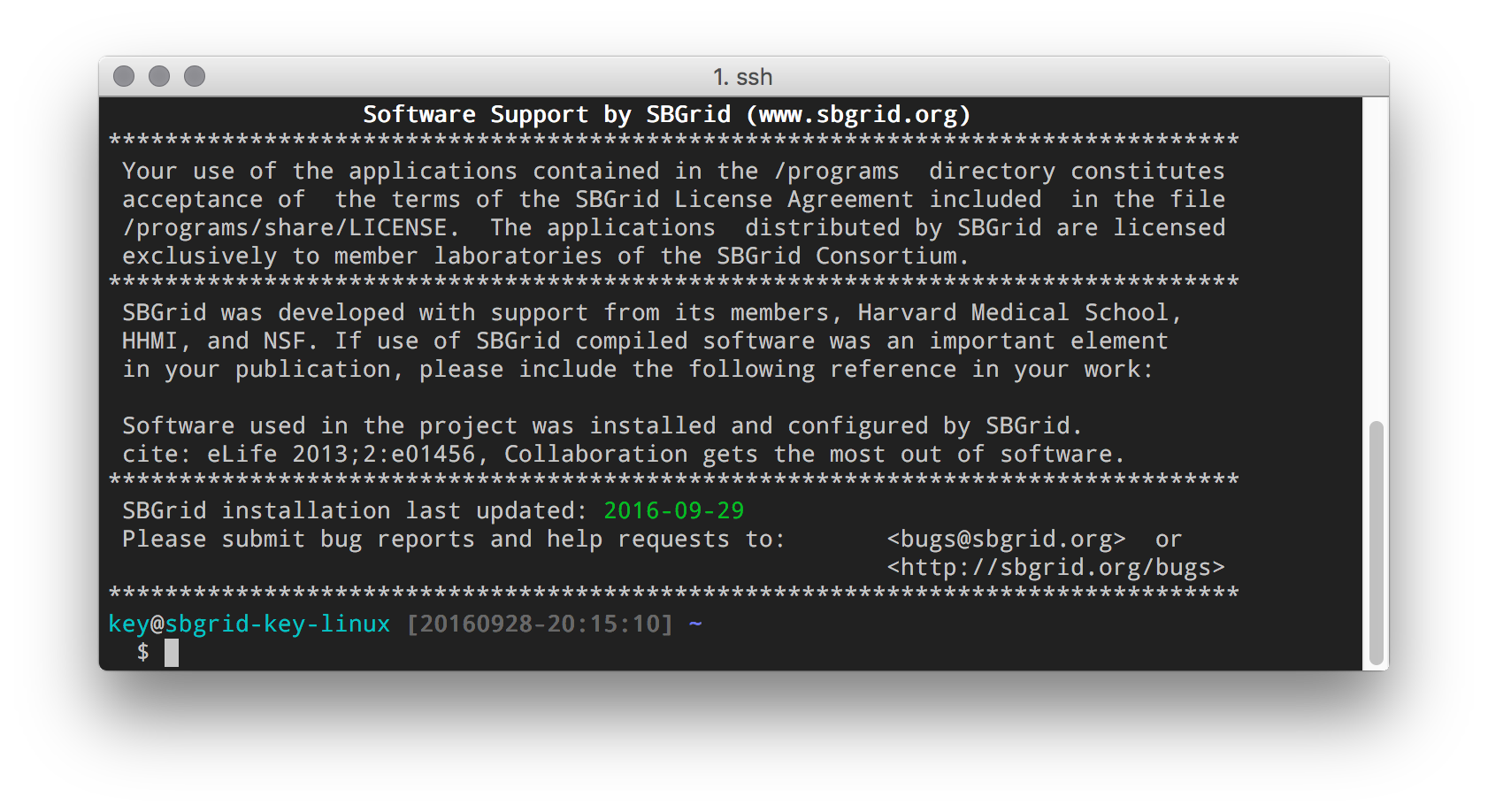
On initialization, you should see the SBGrid welcome message
Making the shell configuration automatic
To setup your terminal to automatically load the SBGrid environment, add the following to your configuration file:
For Bash, in ~/.bashrc, add :
if [ -f /programs/sbgrid.shrc ] ; then
  source /programs/sbgrid.shrc
fi
For tcsh, in ~/.tcshrc or ~/.cshrc, add :
if ( -e /programs/sbgrid.cshrc ) then
    source /programs/sbgrid.cshrc
endif
Setting an alias
If you would prefer to load the SBGrid environment on demand and not have to type the command above, you can set an alias to a shorter command of your choosing.
For example, for bash in ~/.bashrc :
alias sbg='source /programs/sbgrid.shrc'
For tcsh in ~/.tcshrc, this would be
alias sbg 'source /programs/sbgrid.cshrc'
Using SBGrid with LMOD
It is possible (but not required) to use SBGrid with an existing LMOD deployment. Please see this page for more info on using module files.. Note that all SBGrid module files are Lua format. LMOD is not included in SBGrid.
Questions or problems? Please email bugs@sbgrid.org